

Bundle prices not updating
Why FoxSell doesn’t auto-update bundle prices
When you change a product’s price in Shopify (sales, promotions, compare-at pricing, manual edits, etc.), FoxSell Bundles Plus does not continuously re-check every product in every bundle.
This is intentional for two reasons:
- Performance: Constantly checking price changes across all products and stores isn’t efficient.
- Control: Not every Shopify price change should affect your bundle pricing. Manual refresh helps ensure bundle price changes stay intentional.
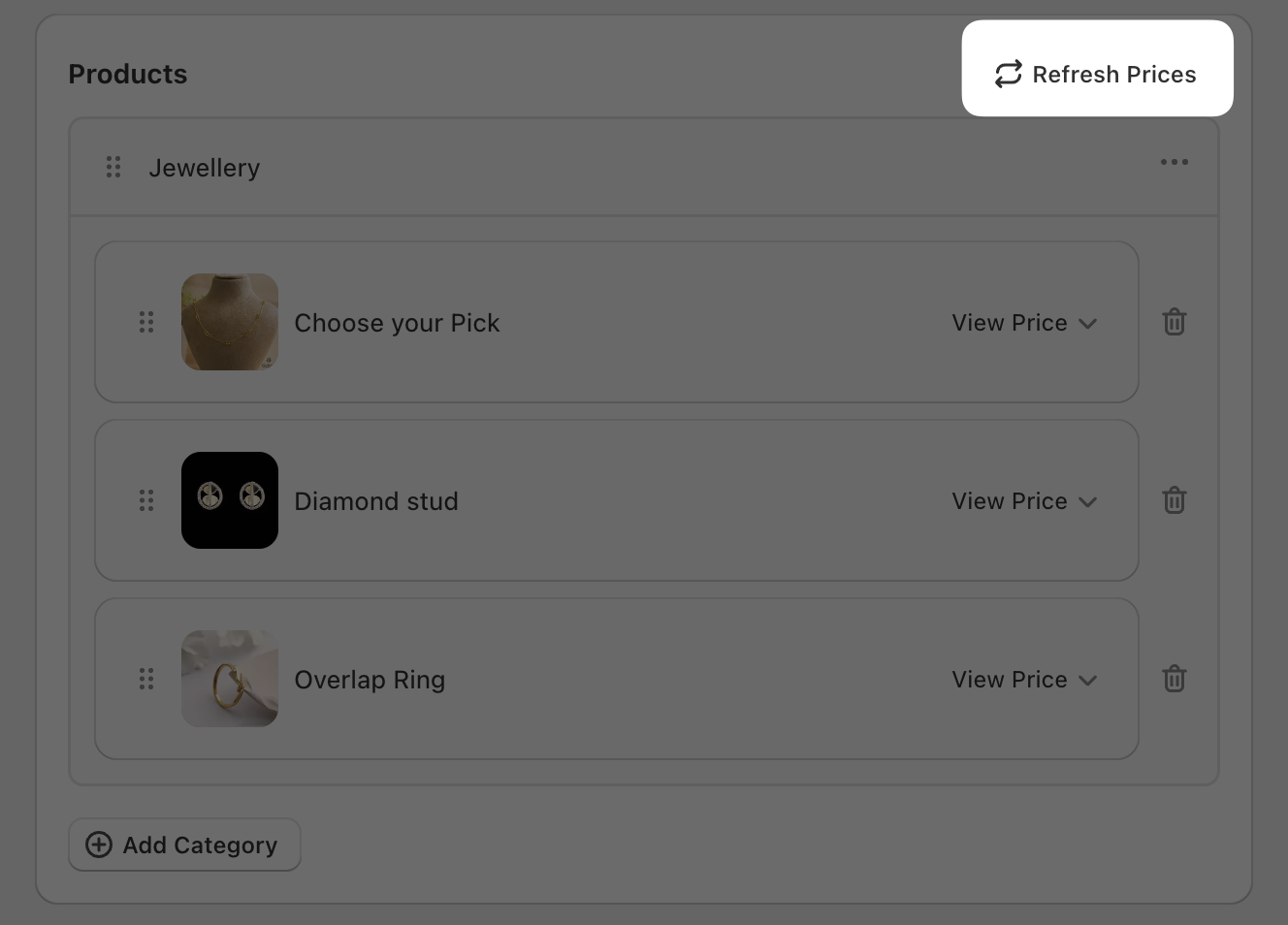
Refresh prices for a bundle
Refresh prices for add-ons
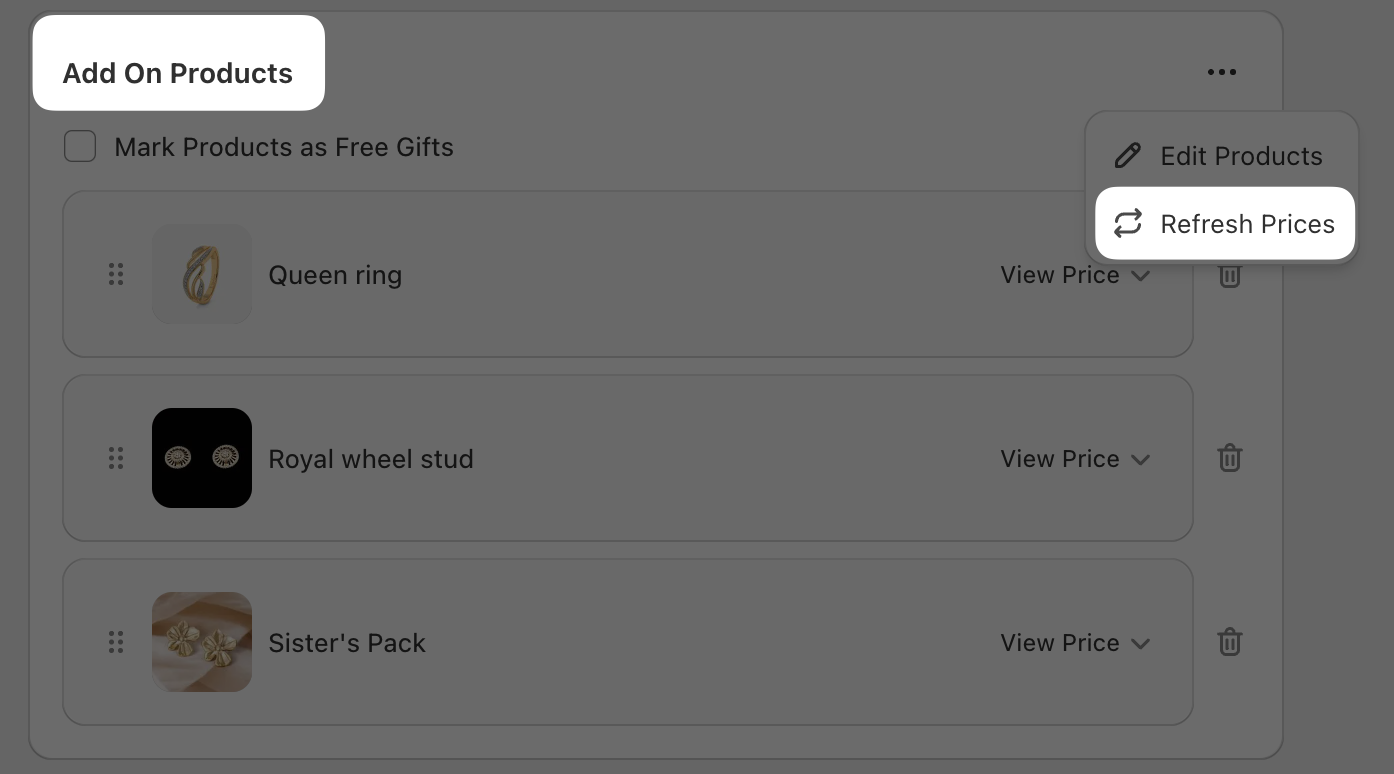
If you’re using add-ons (for example, optional extras or free gifts), you’ll refresh pricing from the Add On Products screen.
Troubleshooting
- Confirm the Shopify product price is updated in Shopify Admin first.
- Refresh prices again from the exact place you manage those items: Products → Refresh Prices for bundles, or Add On Products → (⋯) → Refresh Prices for add-ons.
- If you’re using different variants, check the product’s View Price dropdown to verify the expected variant pricing is being used.
No—Refresh Prices is meant to sync pricing from Shopify. It doesn’t remove products or change your add-on selections.
Need help?
Contact support via in-app chat or email [email protected].