

Add a multi-variant bundle
What is a Multi Variant Bundle?
A Multi Variant Bundle lets you sell a single bundle product with multiple variants (for example, Size or Color). Each variant can include a different set of bundled products.
Create the bundle
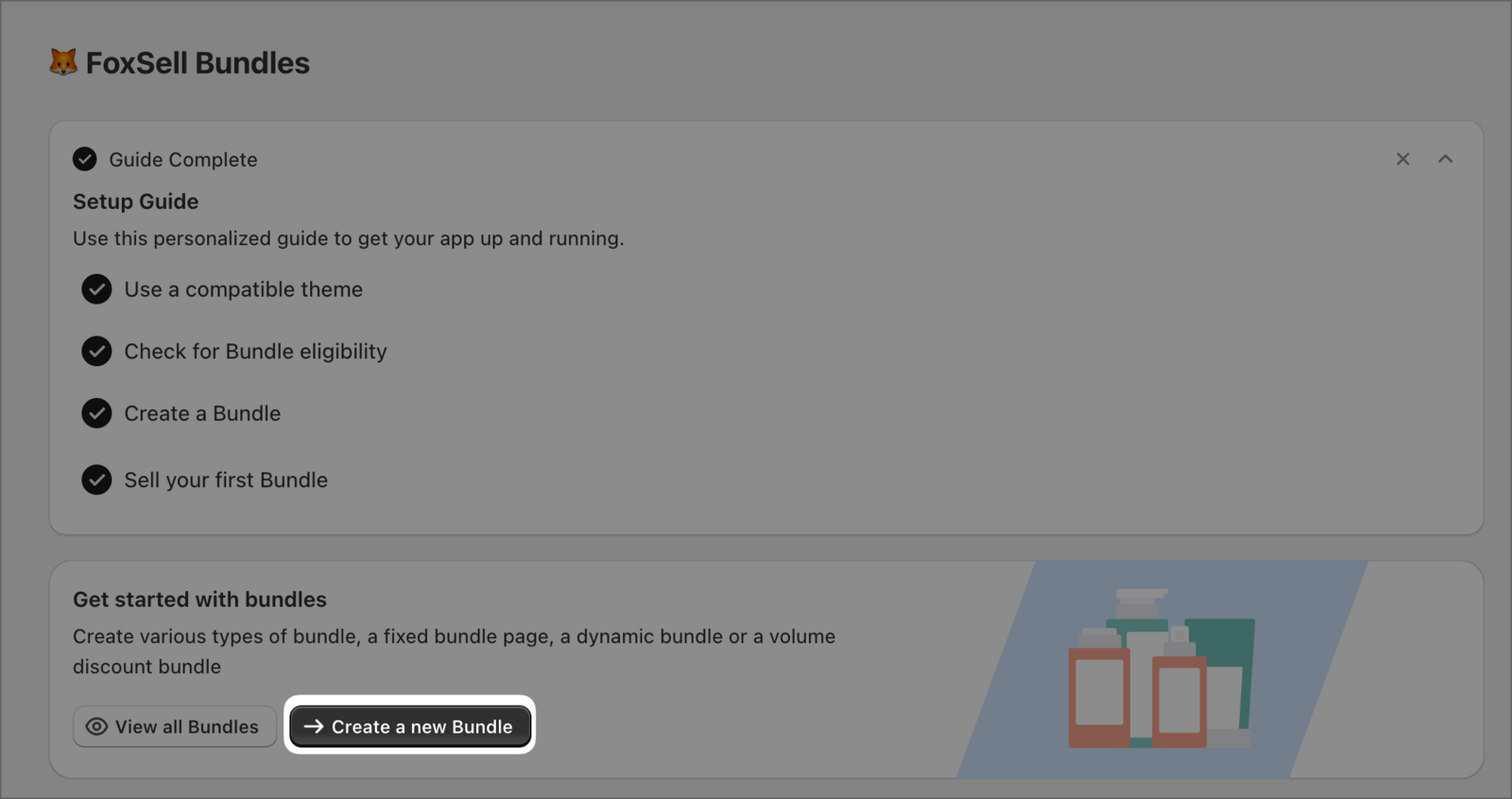
In your FoxSell Bundles dashboard, select Create a new Bundle.
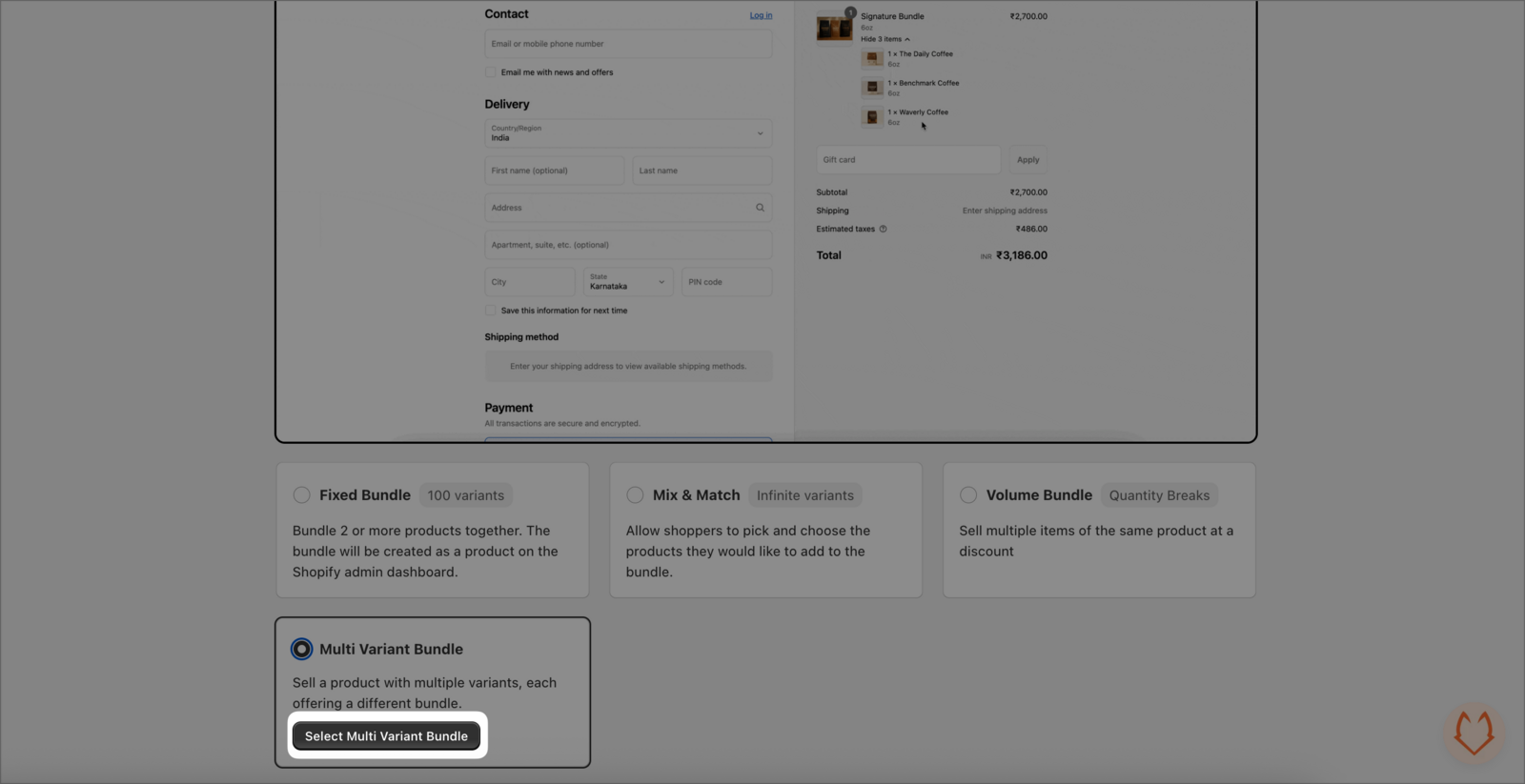
On the bundle type screen, select Multi Variant Bundle, then click Select Multi Variant Bundle.
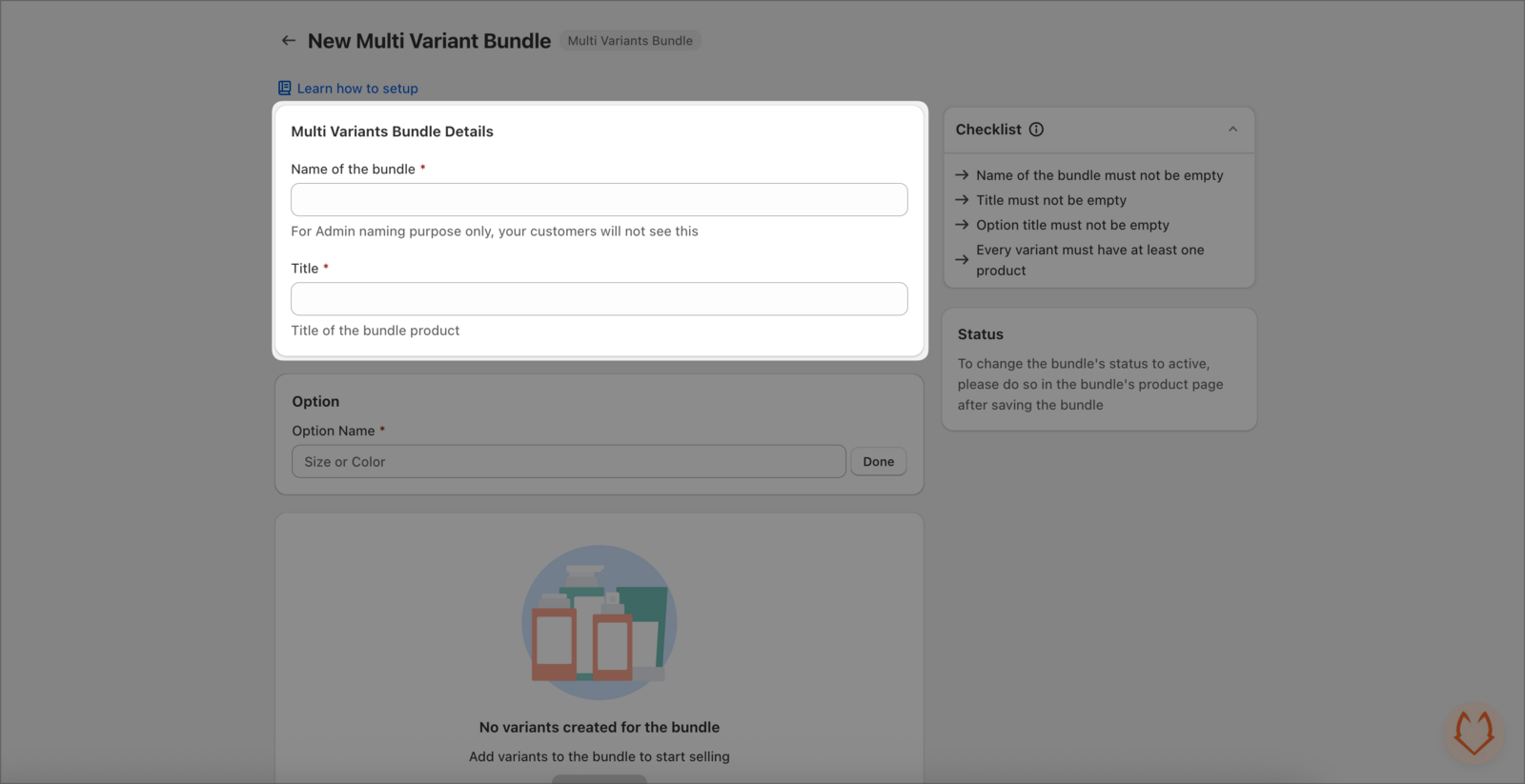
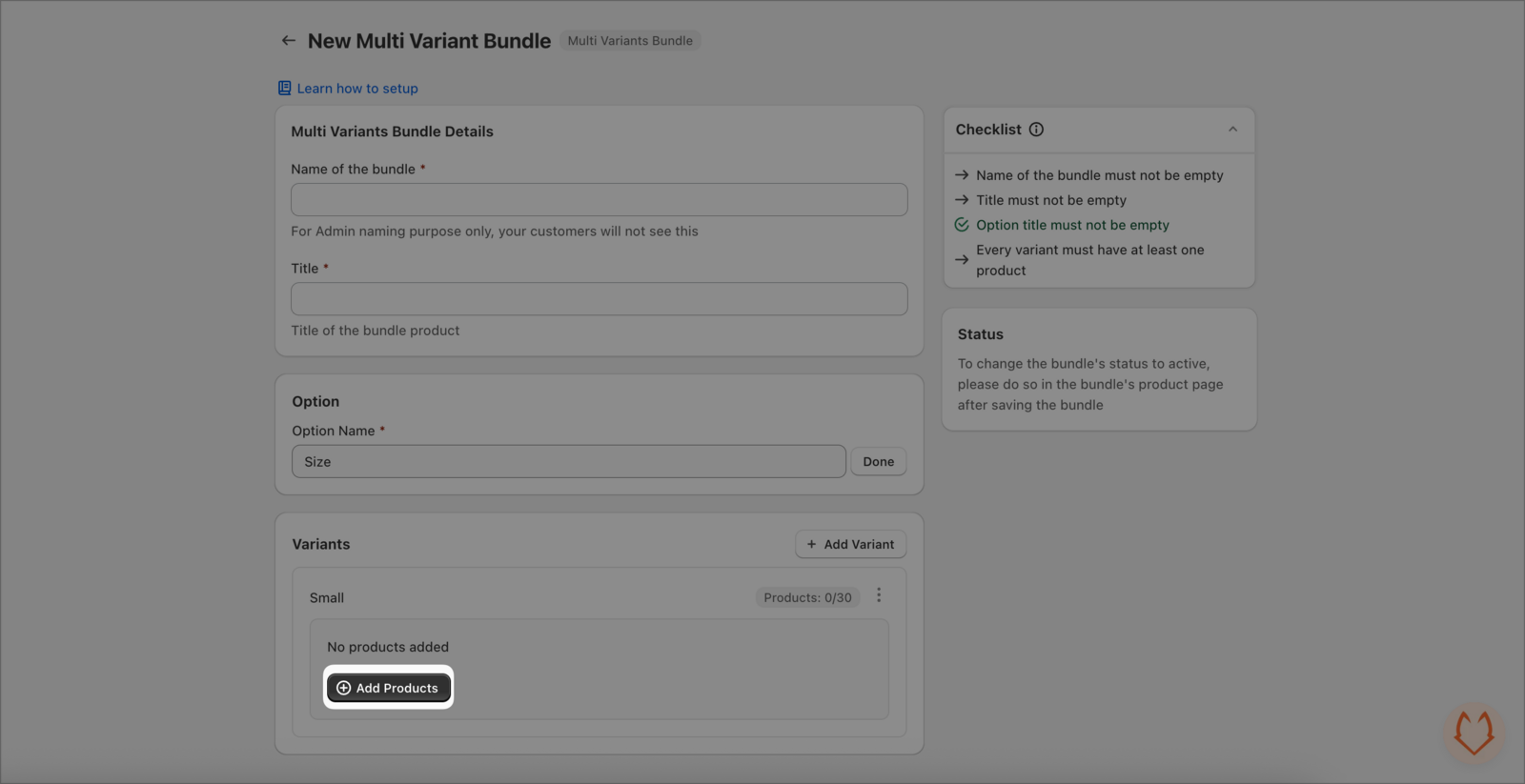
On New Multi Variant Bundle, fill in Multi Variants Bundle Details:
- Name of the bundle (for admin naming; customers won’t see this)
- Title (the customer-facing bundle product title)
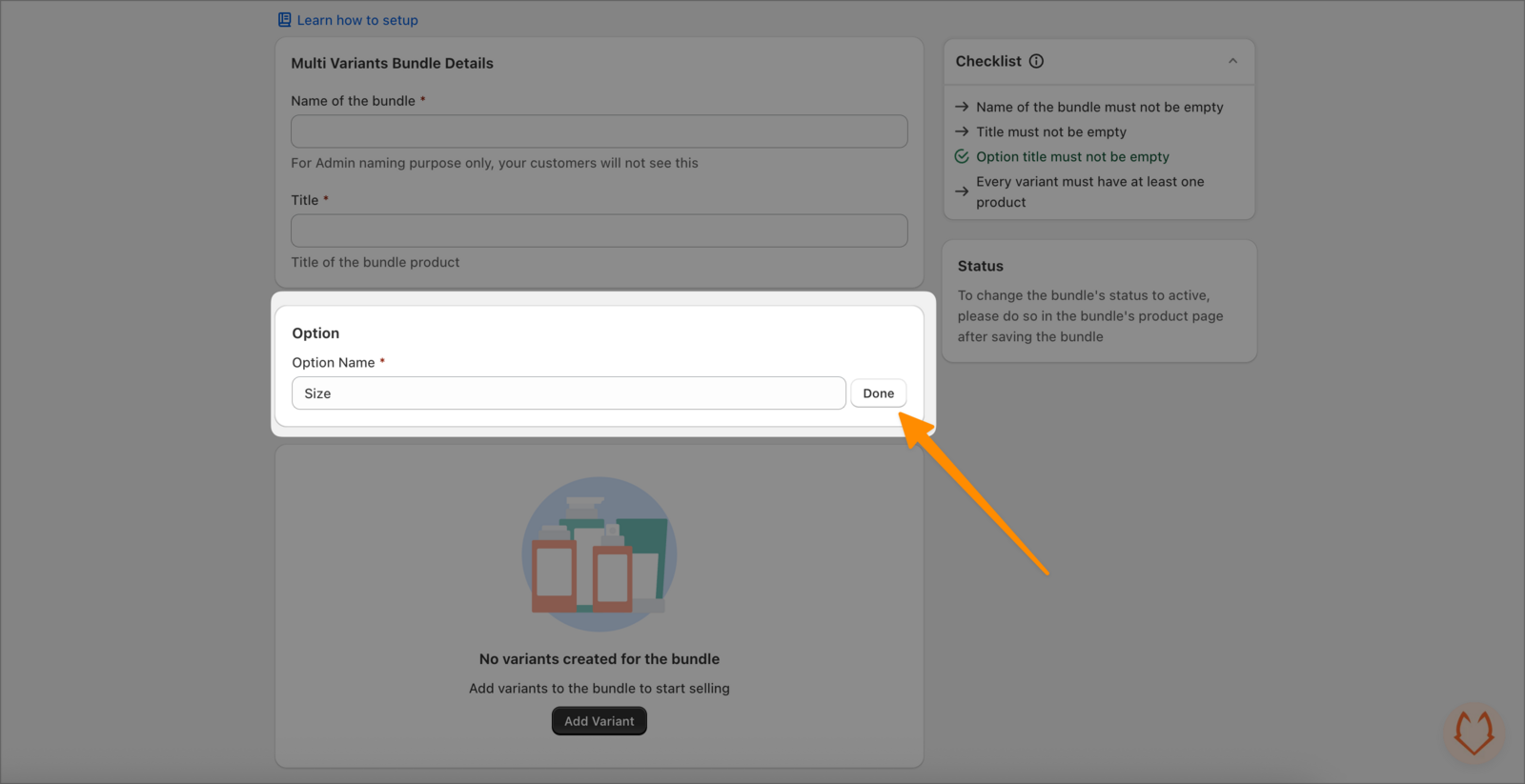
In the Option section, enter an Option Name (for example Size or Color), then click Done.
In the Variants section:
- Click + Add Variant.
- In the Add new variant dialog, enter a New Variant Title (an option value like
Small,Medium, or6oz), then click Add. - Inside the variant card, click Add Products and select the items you want included in that variant.
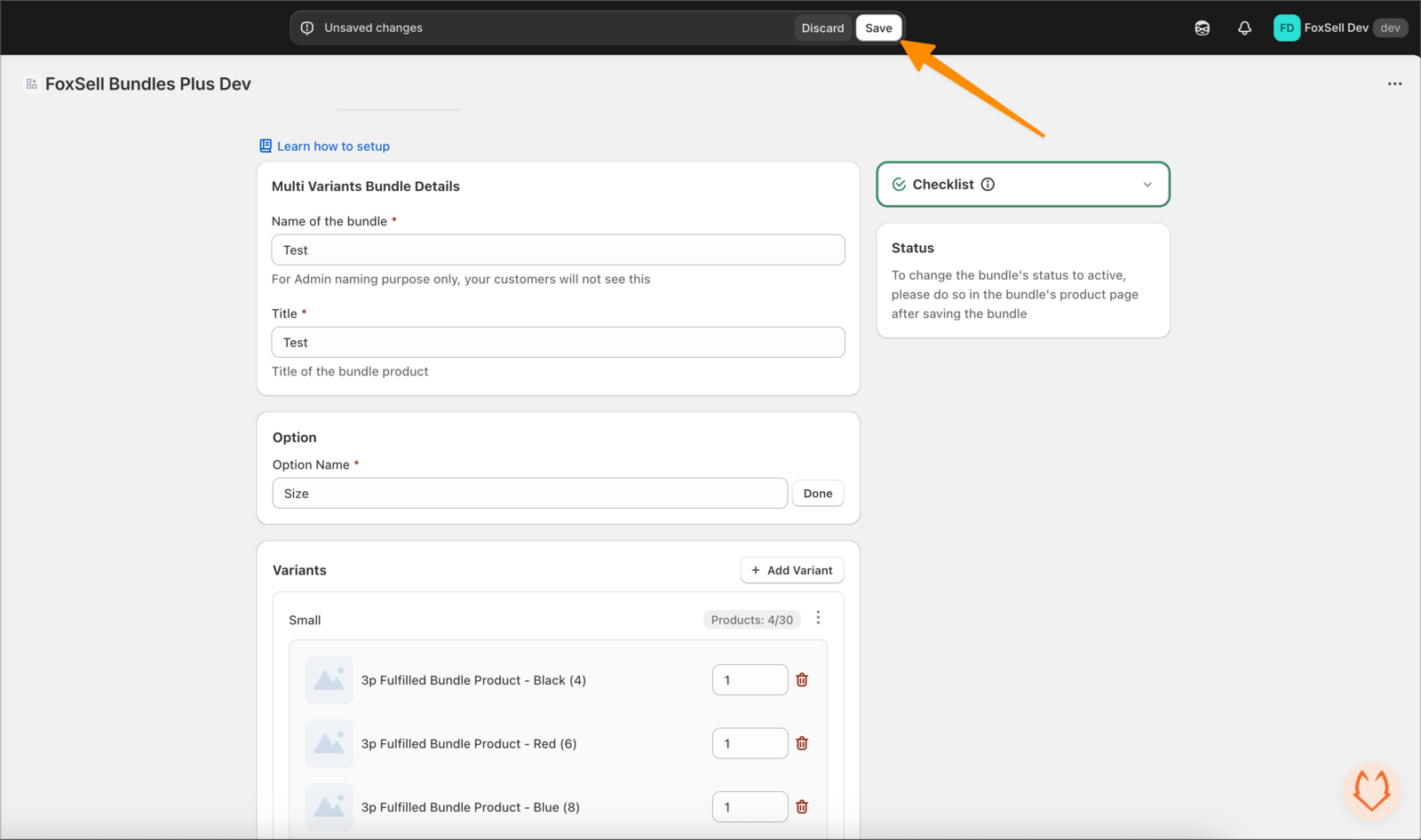
When you’re done, click Save in the top bar.
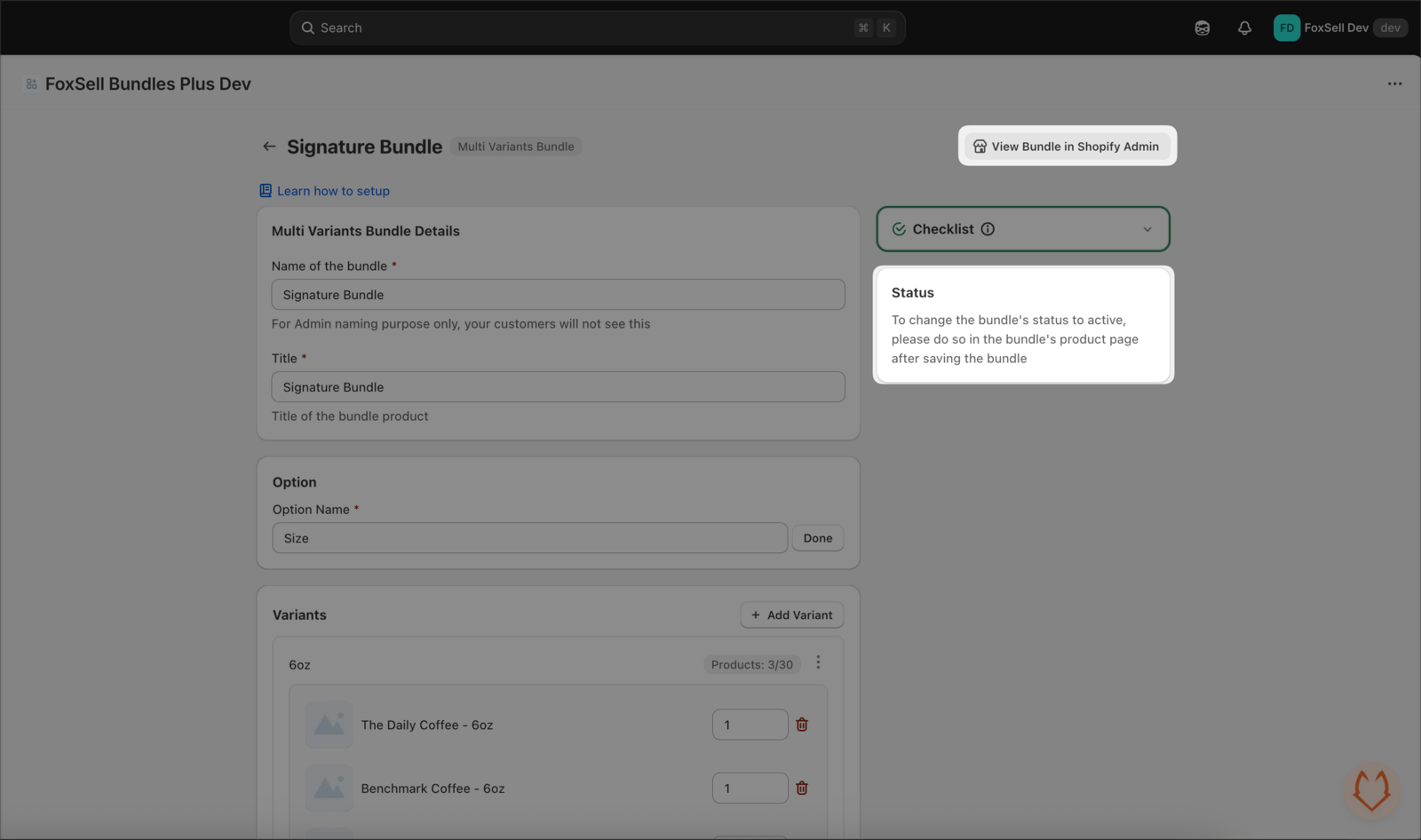
Set price and activate in Shopify
After saving, click View Bundle in Shopify Admin. This opens the bundle product in Shopify, where you can set the price and change the product status to Active.
Troubleshooting
Check the right-side Checklist. Common requirements include:
- Name of the bundle must not be empty
- Title must not be empty
- Option title must not be empty
- Every variant must have at least one product
Open View Bundle in Shopify Admin and confirm the bundle product is set to Active and is available on the correct sales channels.
Need help?
Contact the team via in-app chat or email [email protected].