

Add a fixed bundle
Before you start
- You’ll create the bundle in FoxSell Bundles Plus, and then set the price and status in Shopify Admin.
- A Fixed Bundle requires at least 2 products.
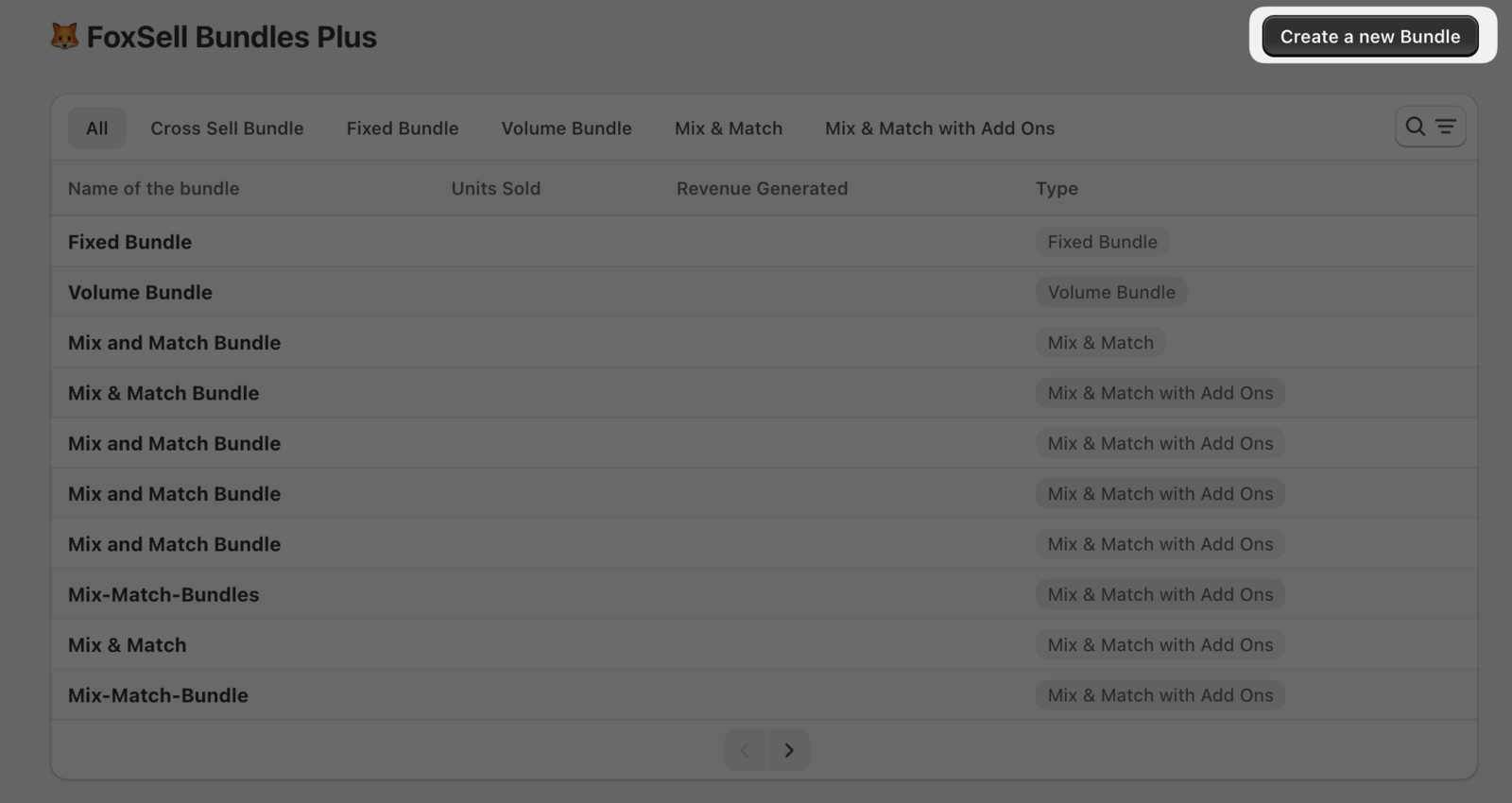
In FoxSell Bundles Plus, go to the Bundles list and click Create a new Bundle.
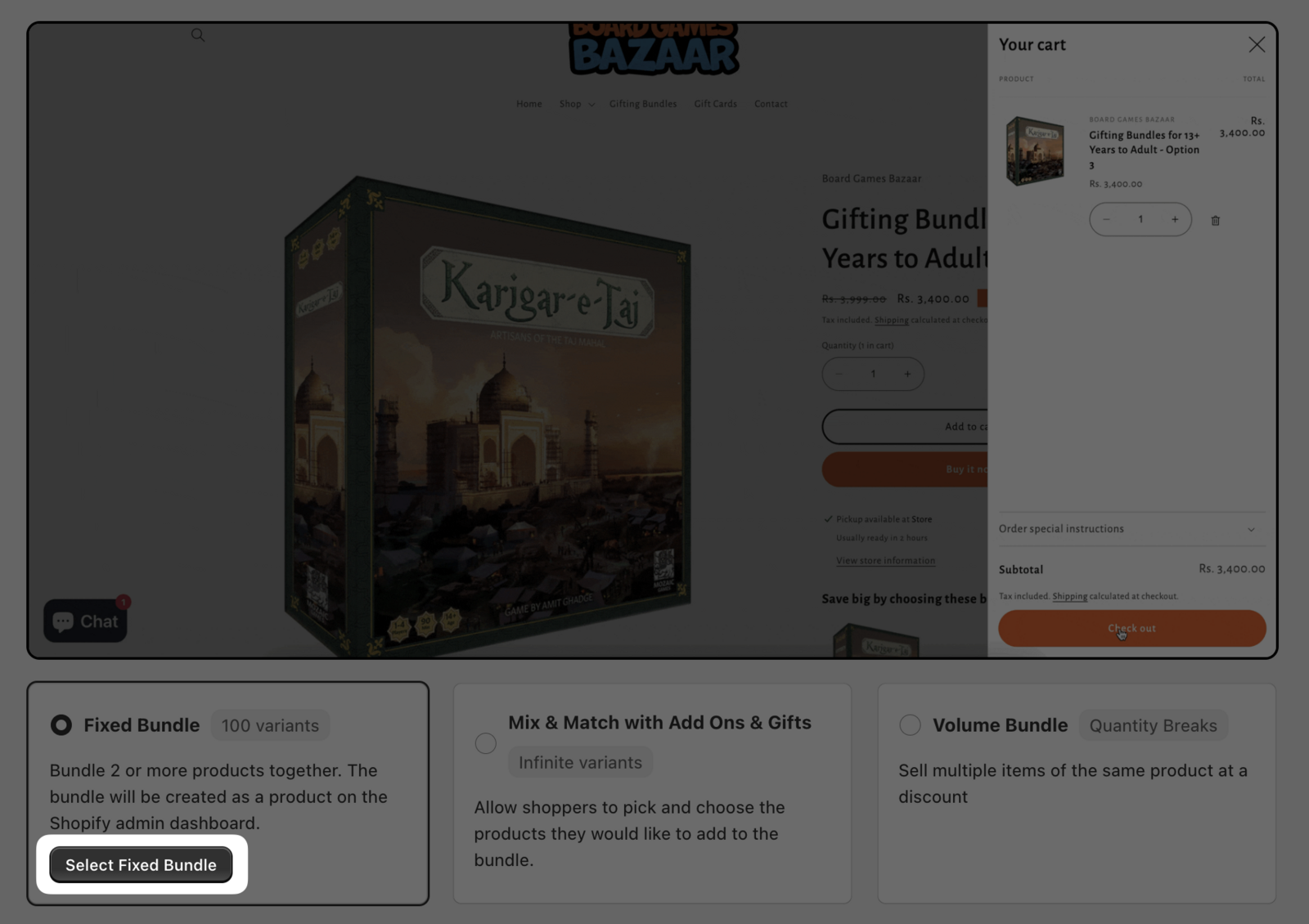
On the bundle type screen, select Fixed Bundle (for example, by clicking Select Fixed Bundle).
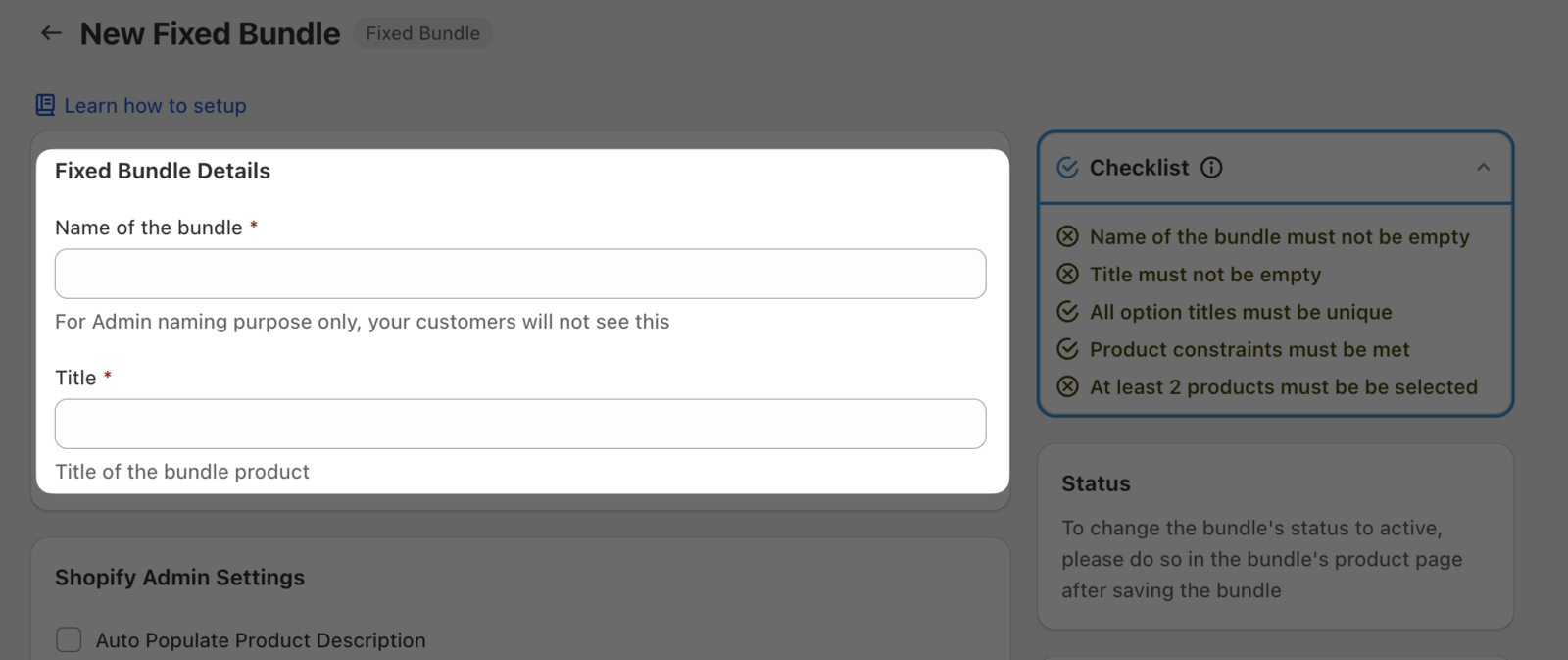
In Fixed Bundle Details, complete the required fields:
- Name of the bundle (for admin naming purposes only — customers won’t see this)
- Title (this becomes the title of the bundle product)
In the products section, click Select Product (or Edit Products if you’re updating an existing selection).
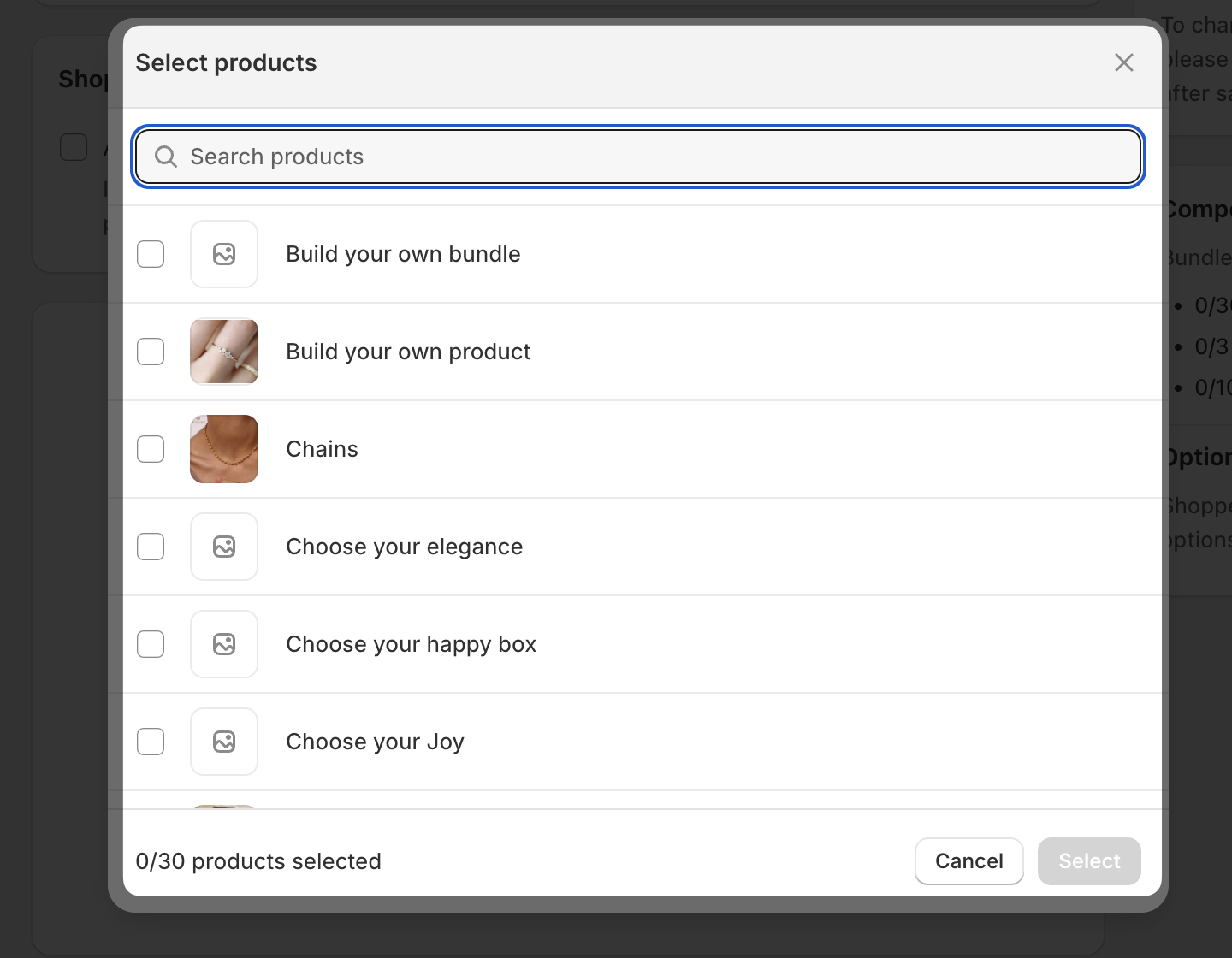
In the Select products popup, use Search products to find items, check the products you want to include, then click Select.
As you build, keep an eye on the right-side panels:
- Checklist confirms requirements like a non-empty name/title and at least 2 products.
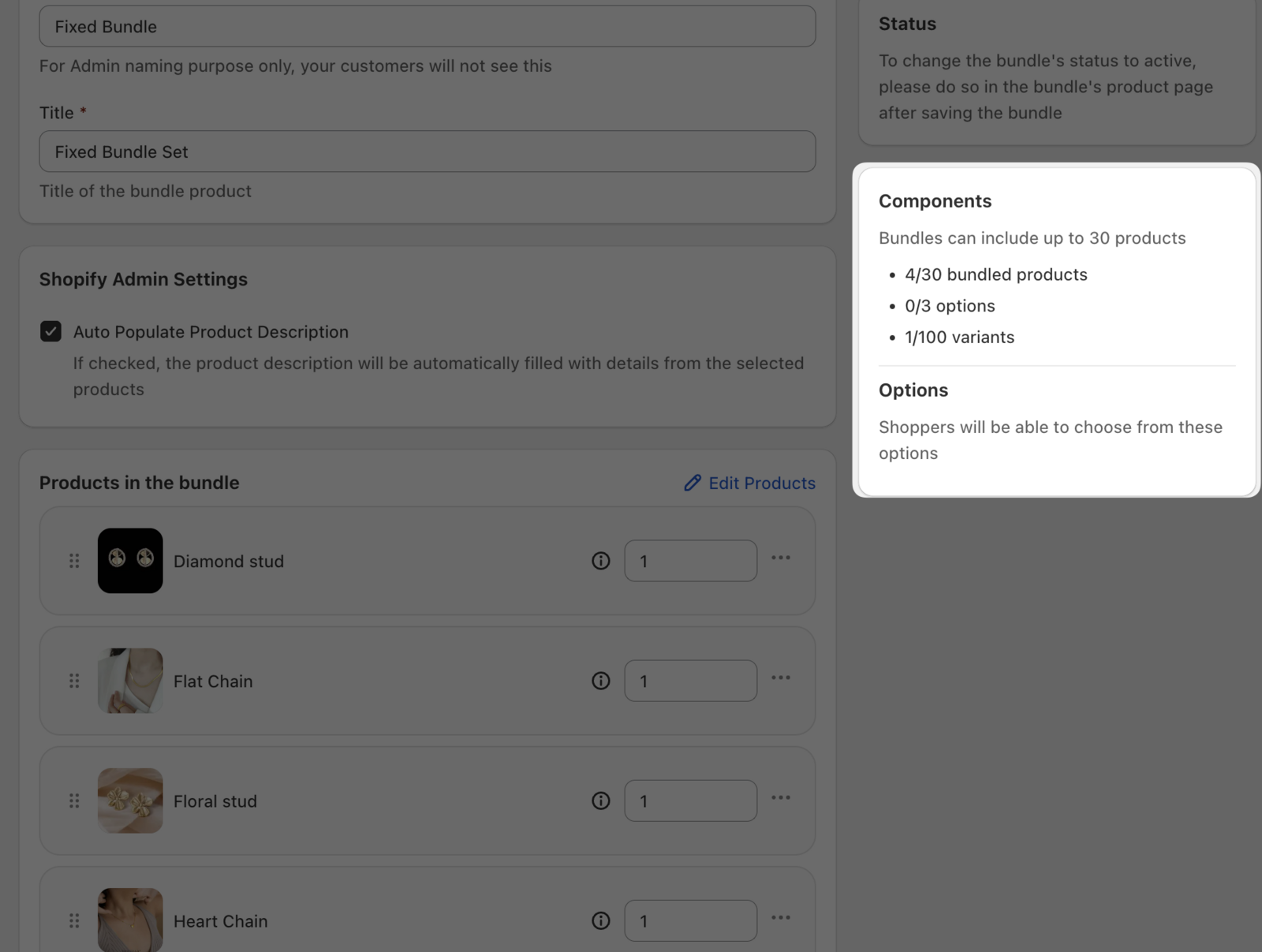
- Components shows how close you are to limits (for example, up to 30 bundled products, up to 3 options, and up to 100 variants).
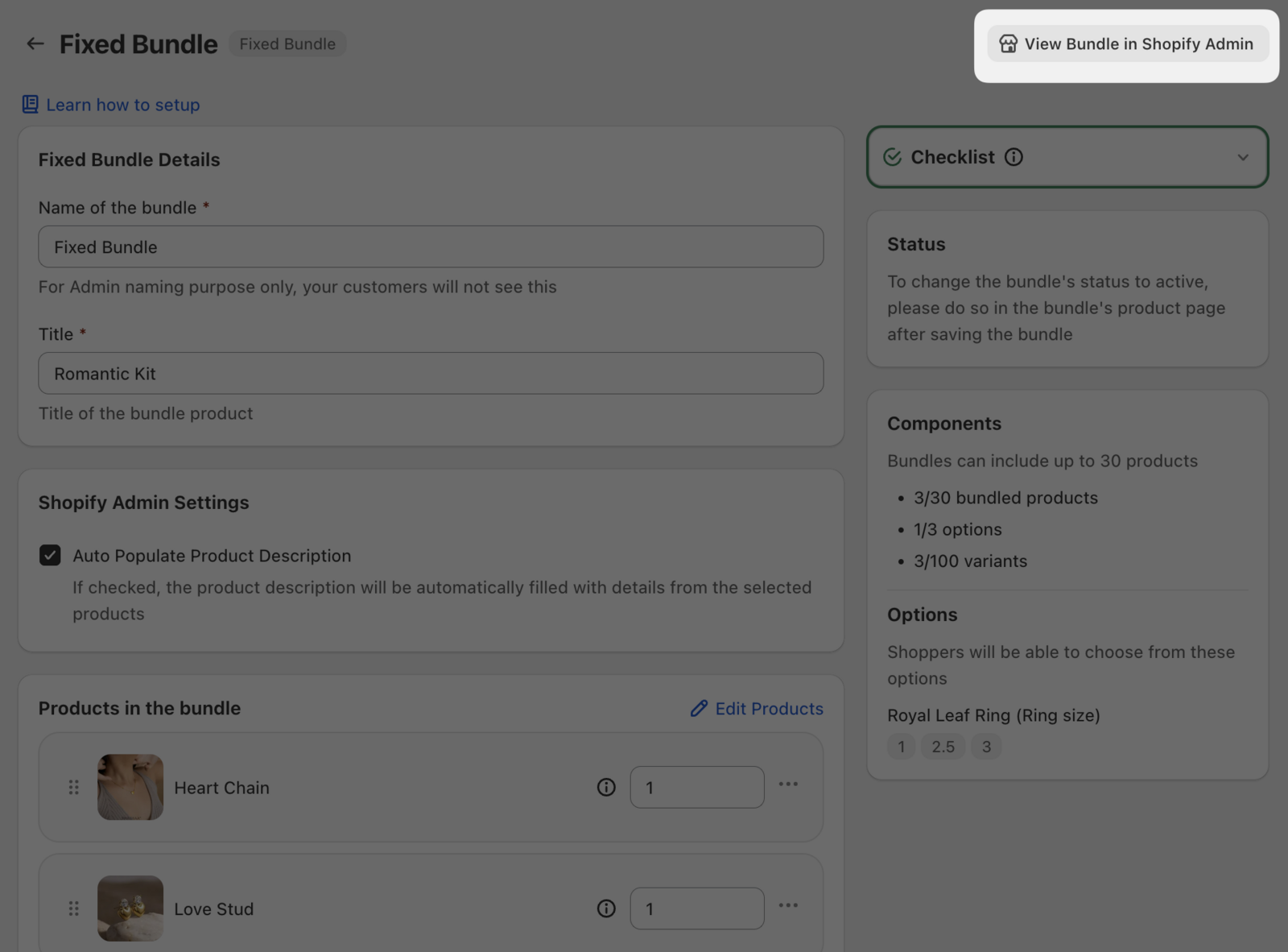
After saving your bundle, click View Bundle in Shopify Admin.
In Shopify Admin, update the bundle product’s price and set the product Status to Active to publish it on your store.
Need help?
Email support: [email protected]